Kitchen Scenes
LW-BenchHub utilizes USD-based kitchen environments built on IsaacSim's robust simulation foundation.
USD-Based Scene Architecture
LW-BenchHub kitchen scenes are built using Universal Scene Description (USD) format, providing:
- High-fidelity rendering with realistic lighting and materials
- Fully interactive fixtures including cabinets, drawers, and appliances
- Physics-accurate simulation through IsaacLab's physics engine
- Optimized performance for large-scale parallel training
Scene Distribution System
Remote Scene Loading
LW-BenchHub implements a distributed scene management system that automatically handles scene acquisition:
# Scenes are automatically downloaded and cached
layout_id = 2    # Kitchen layout identifier
style_id = 5     # Visual style identifier
scene = f"robocasakitchen-{layout_id}-{style_id}"
Caching Architecture
- Local cache:
~/.cache/lightwheel_sdk/floorplan/ - Automatic versioning: Ensures scene consistency across updates
- Incremental download: Only downloads new or updated scenes
- ZIP compression: Efficient scene package distribution
Scene Configuration
Layouts
| layout_id | Layout Type | Image |
|---|---|---|
| 1 | One wall | 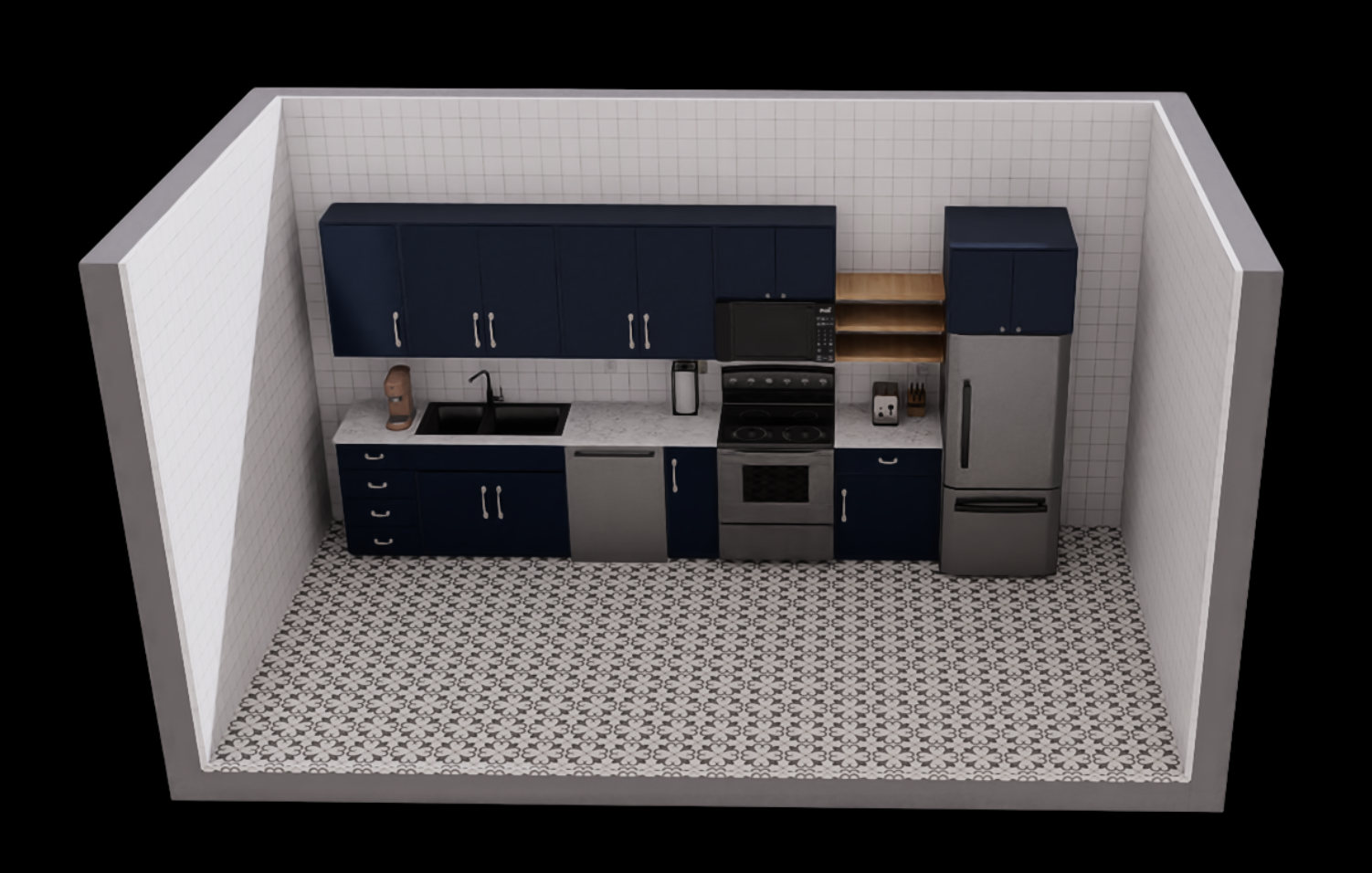 |
| 2 | One Wall w/ island | 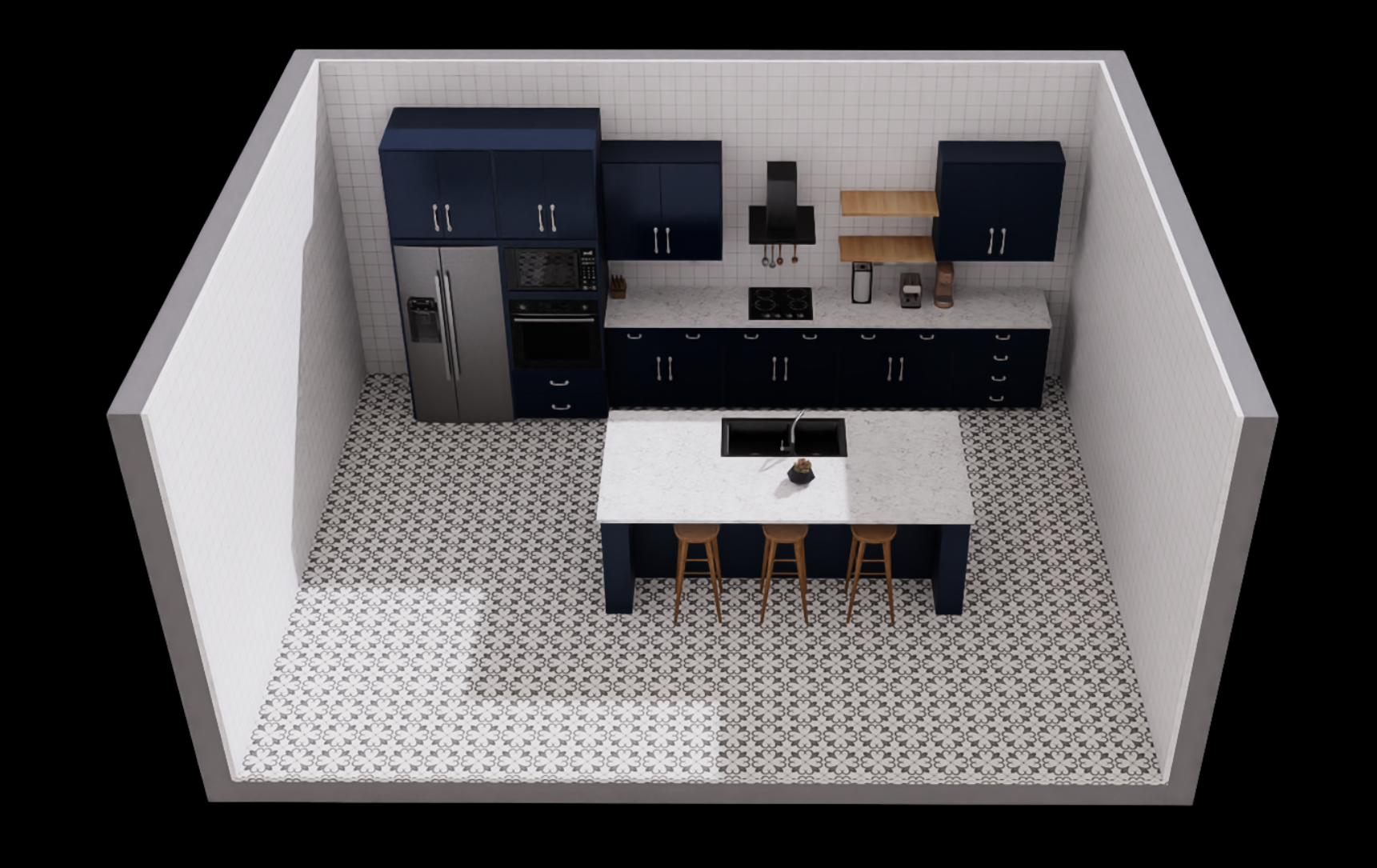 |
| 3 | L-Shaped | 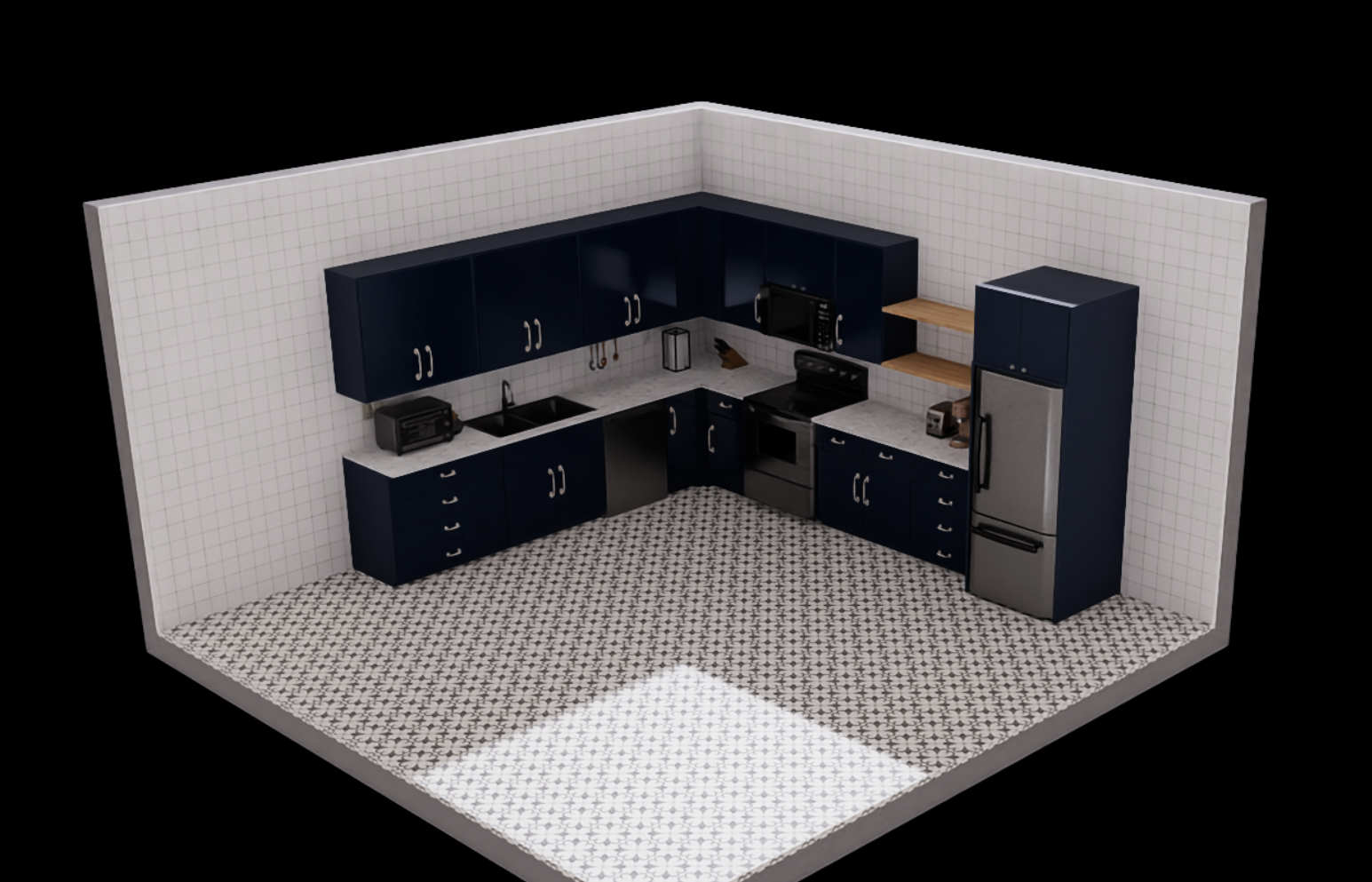 |
| 4 | L-Shaped w/ island | 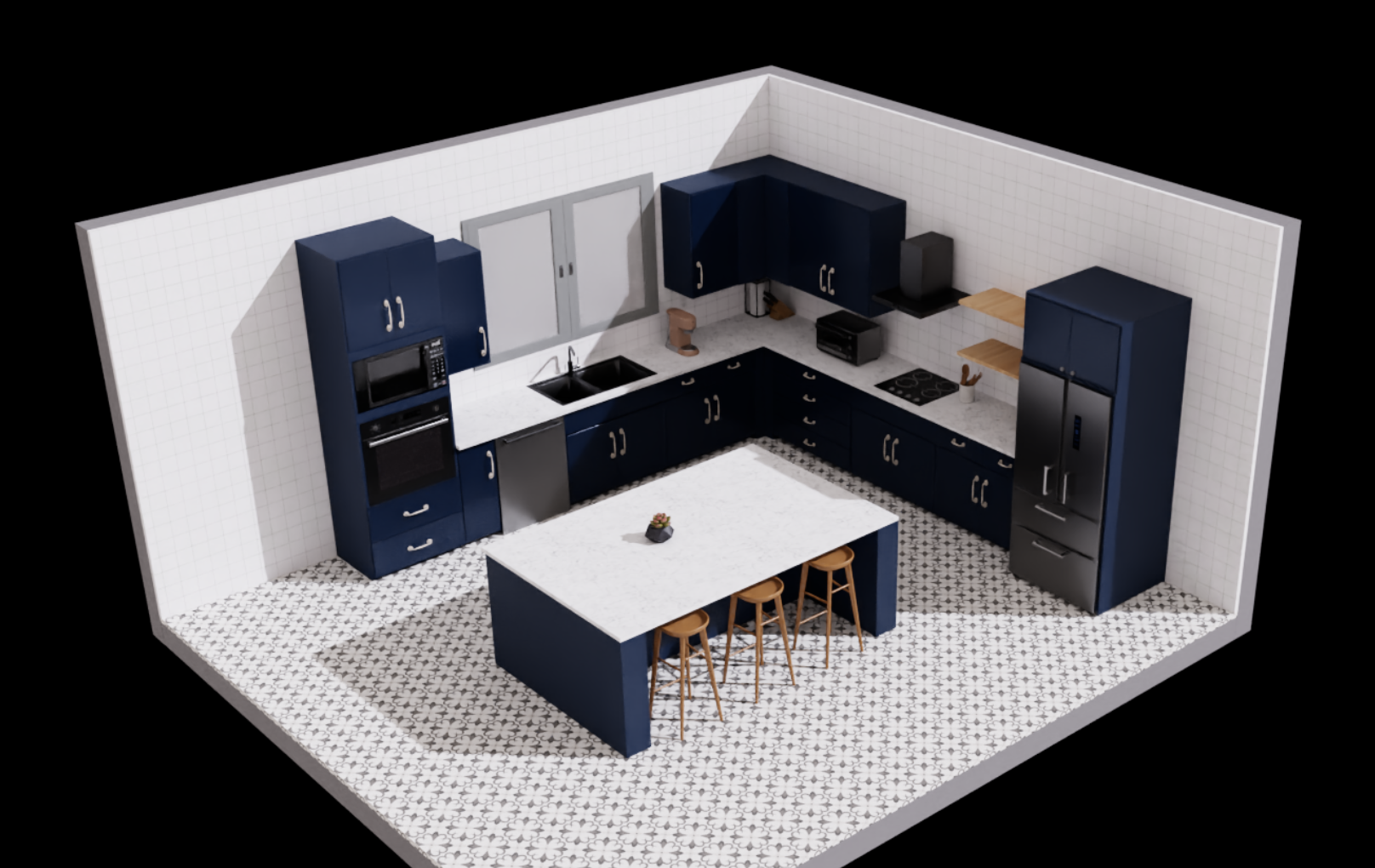 |
| 5 | Galley | 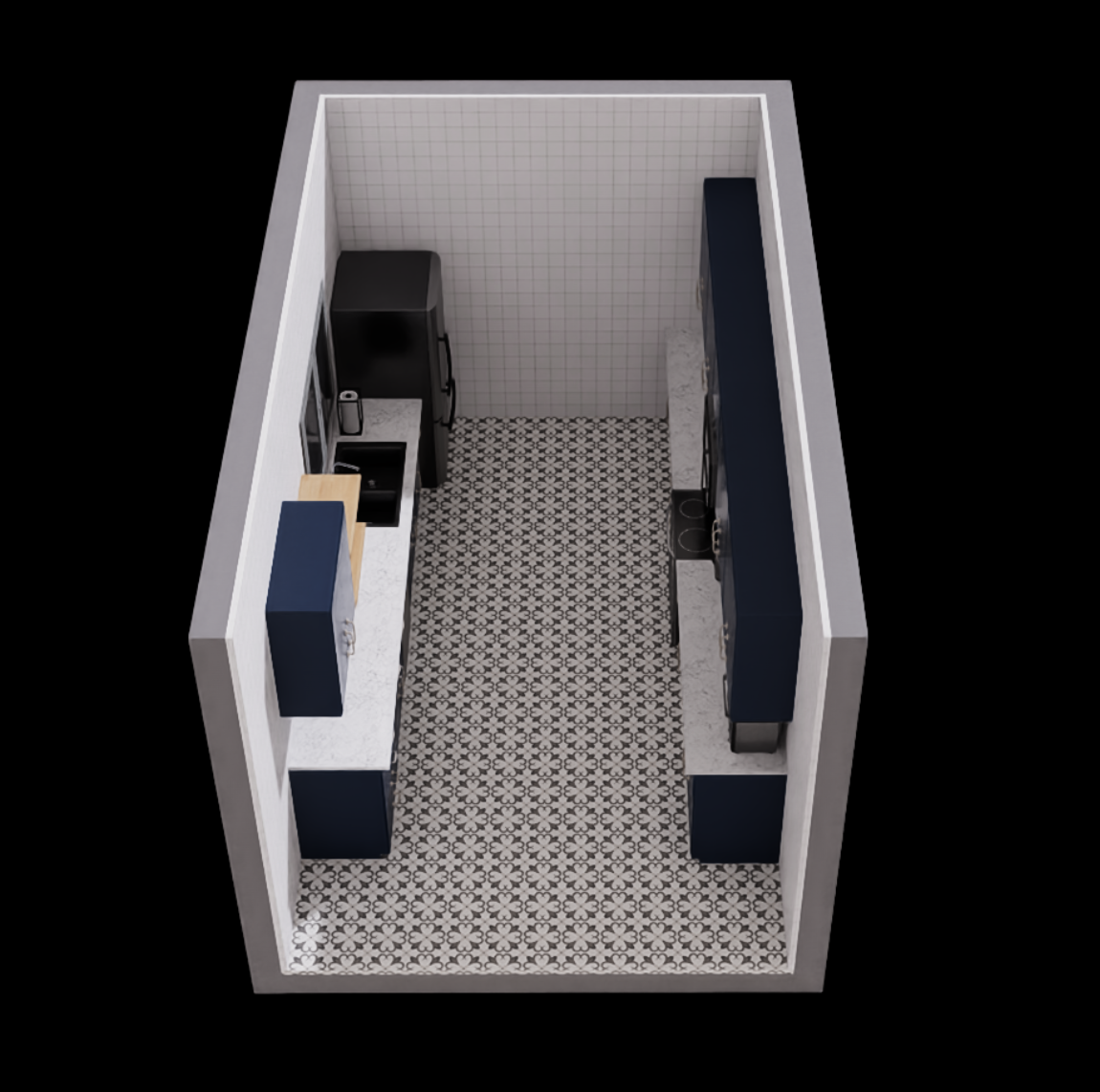 |
| 6 | U-shaped | 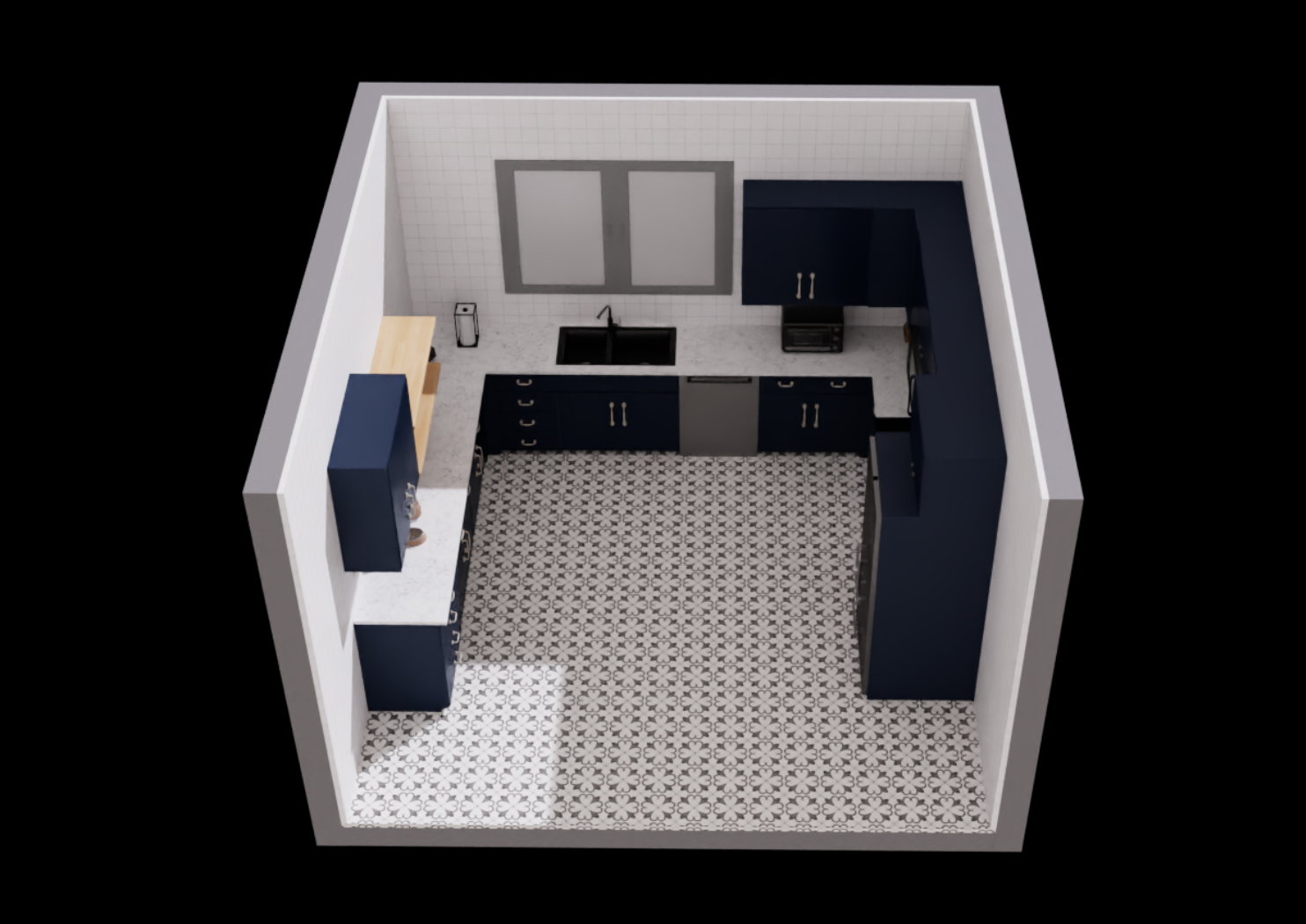 |
| 7 | U-shaped w/ island | 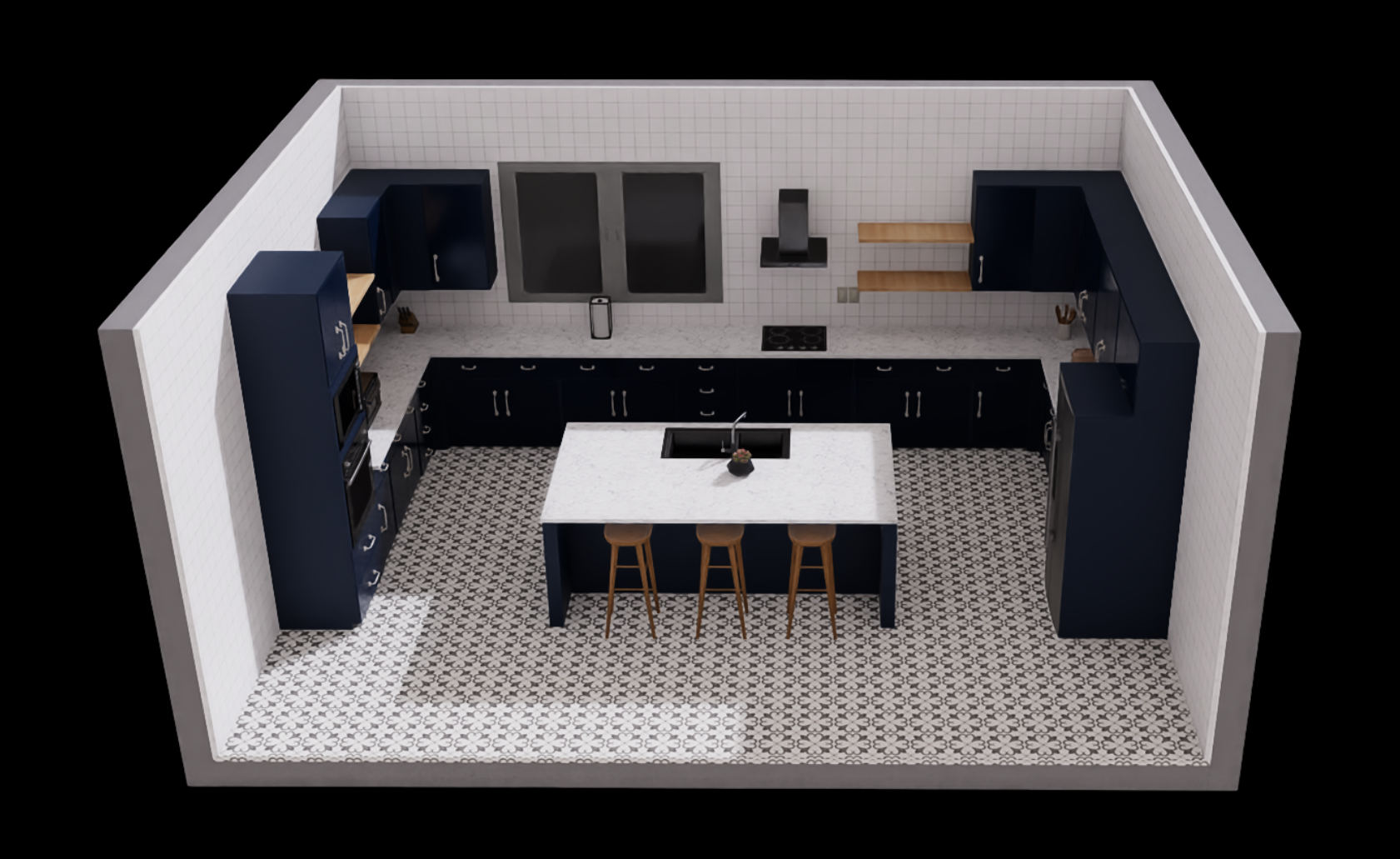 |
| 8 | G-shaped | 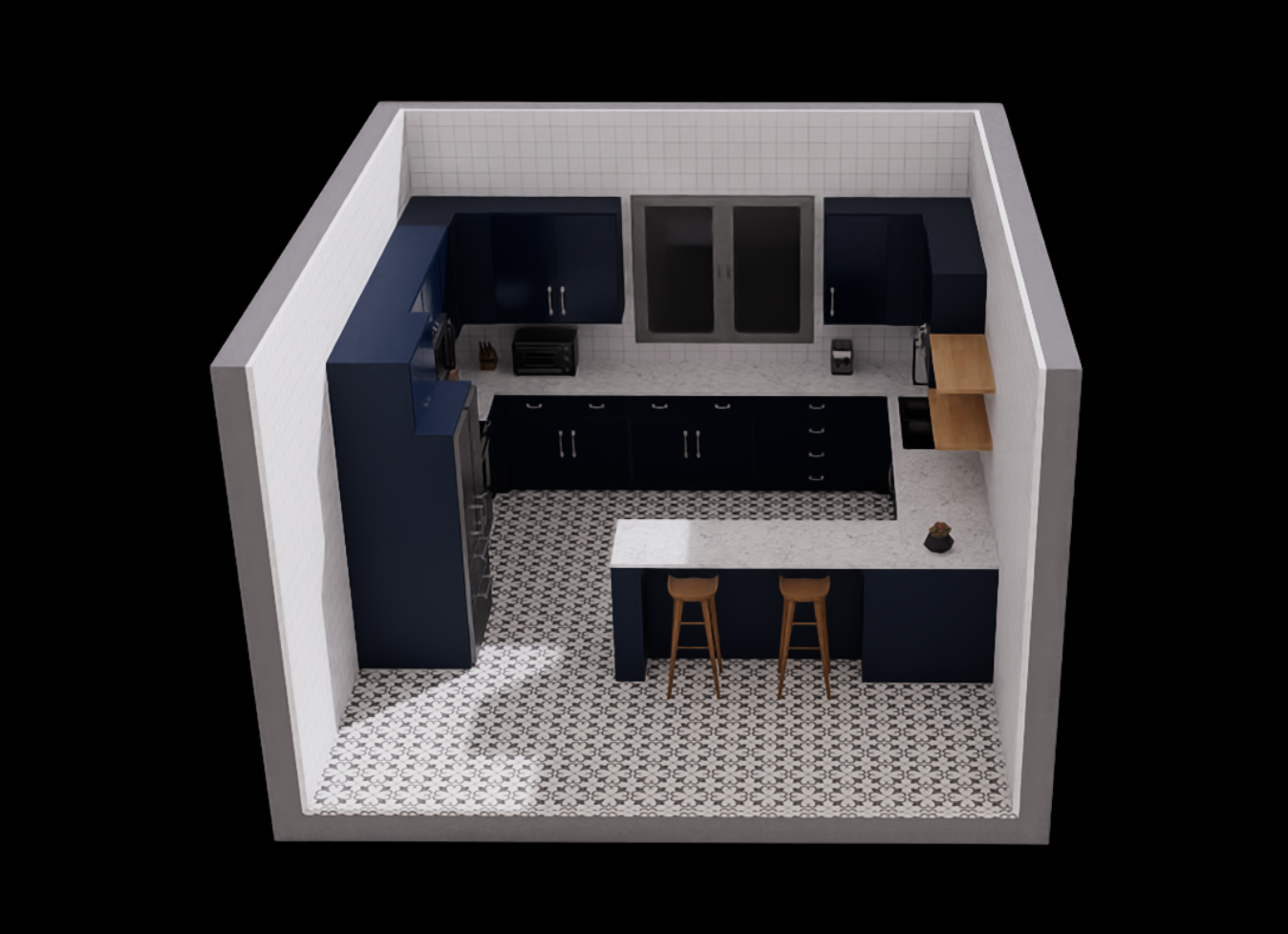 |
| 9 | G-shaped (large) | 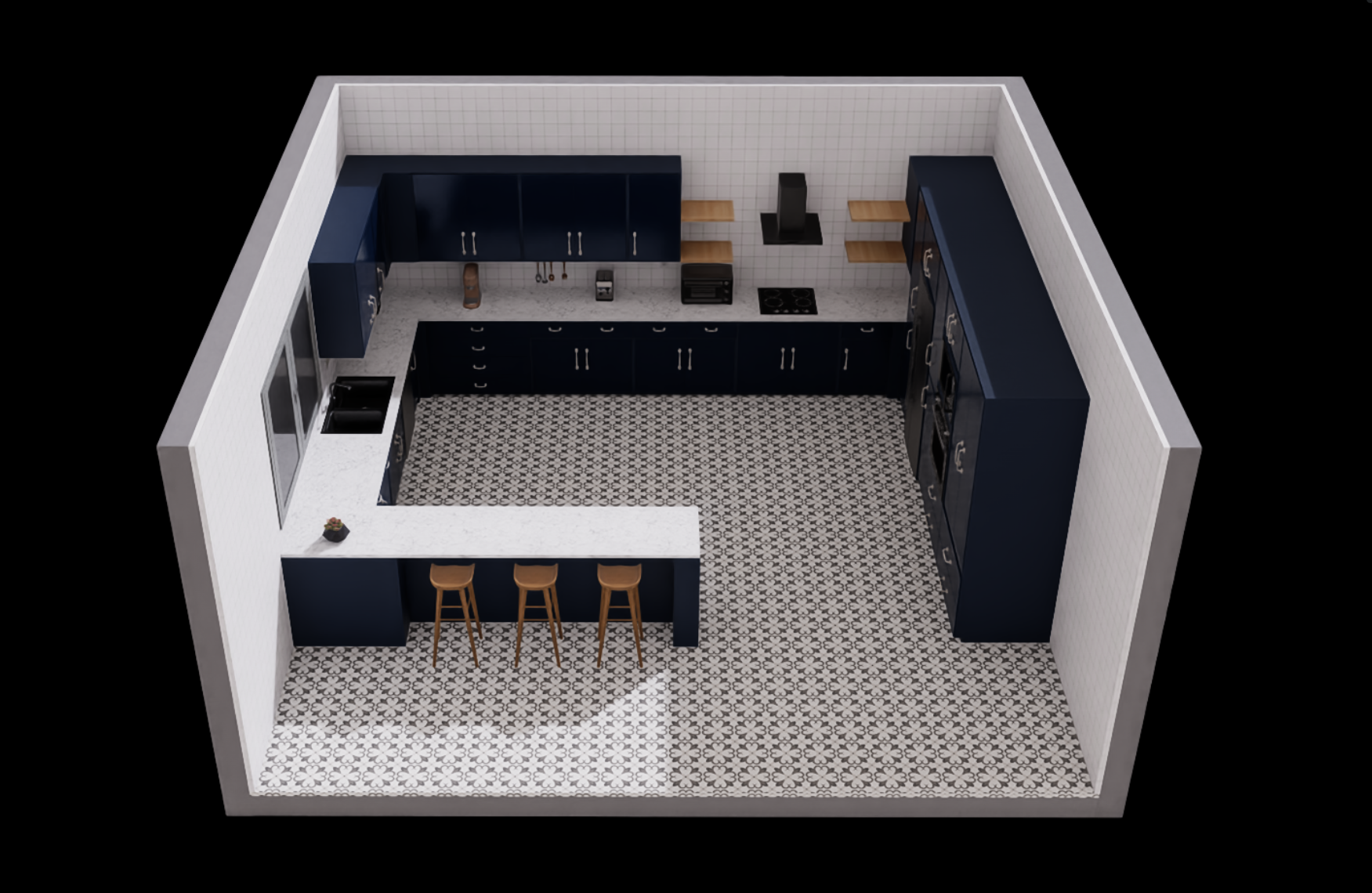 |
| 10 | Wraparound | 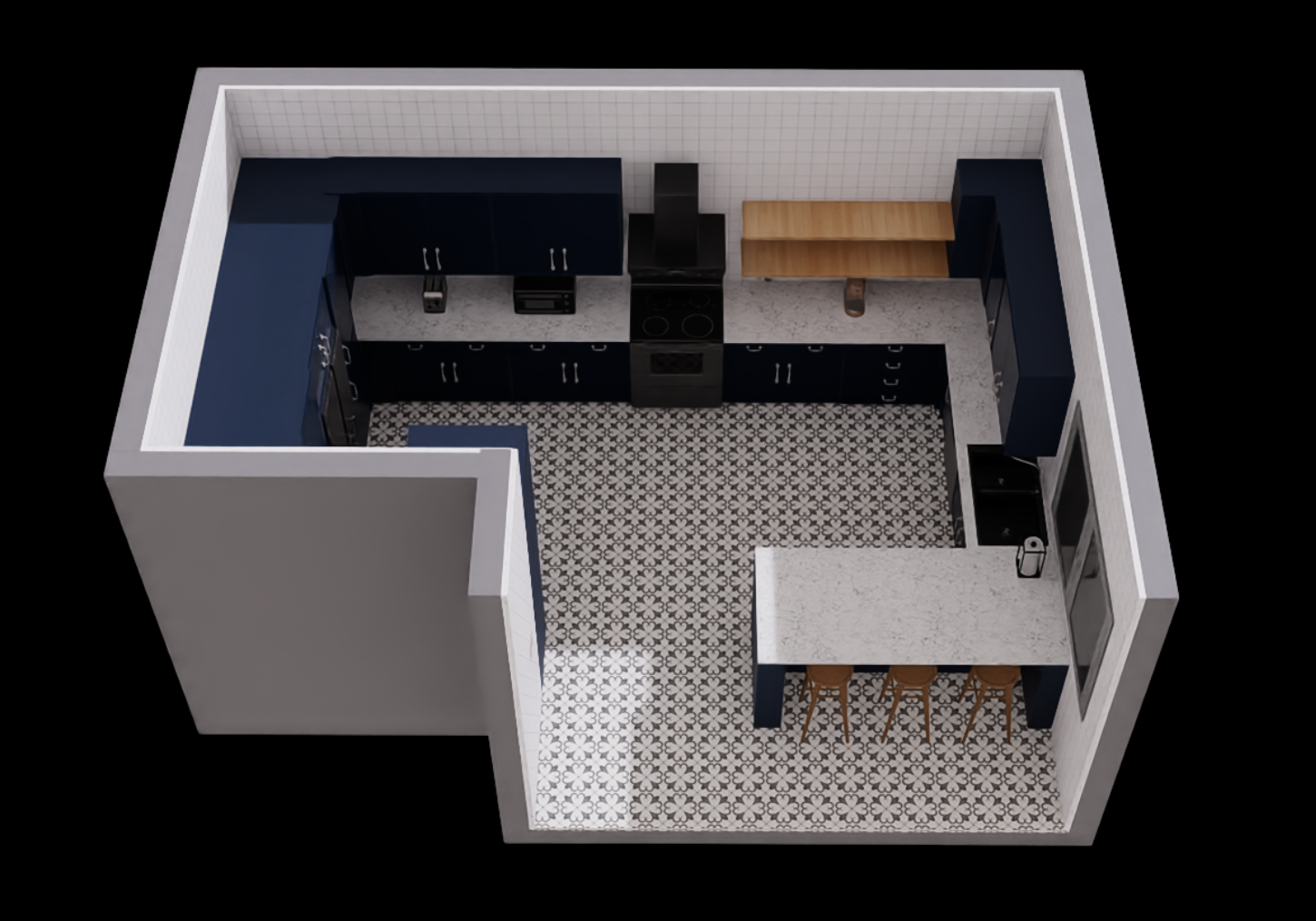 |
Styles
| style_id | Style Type | Image |
|---|---|---|
| 1 | Coastal | |
| 2 | Farmhouse1 | 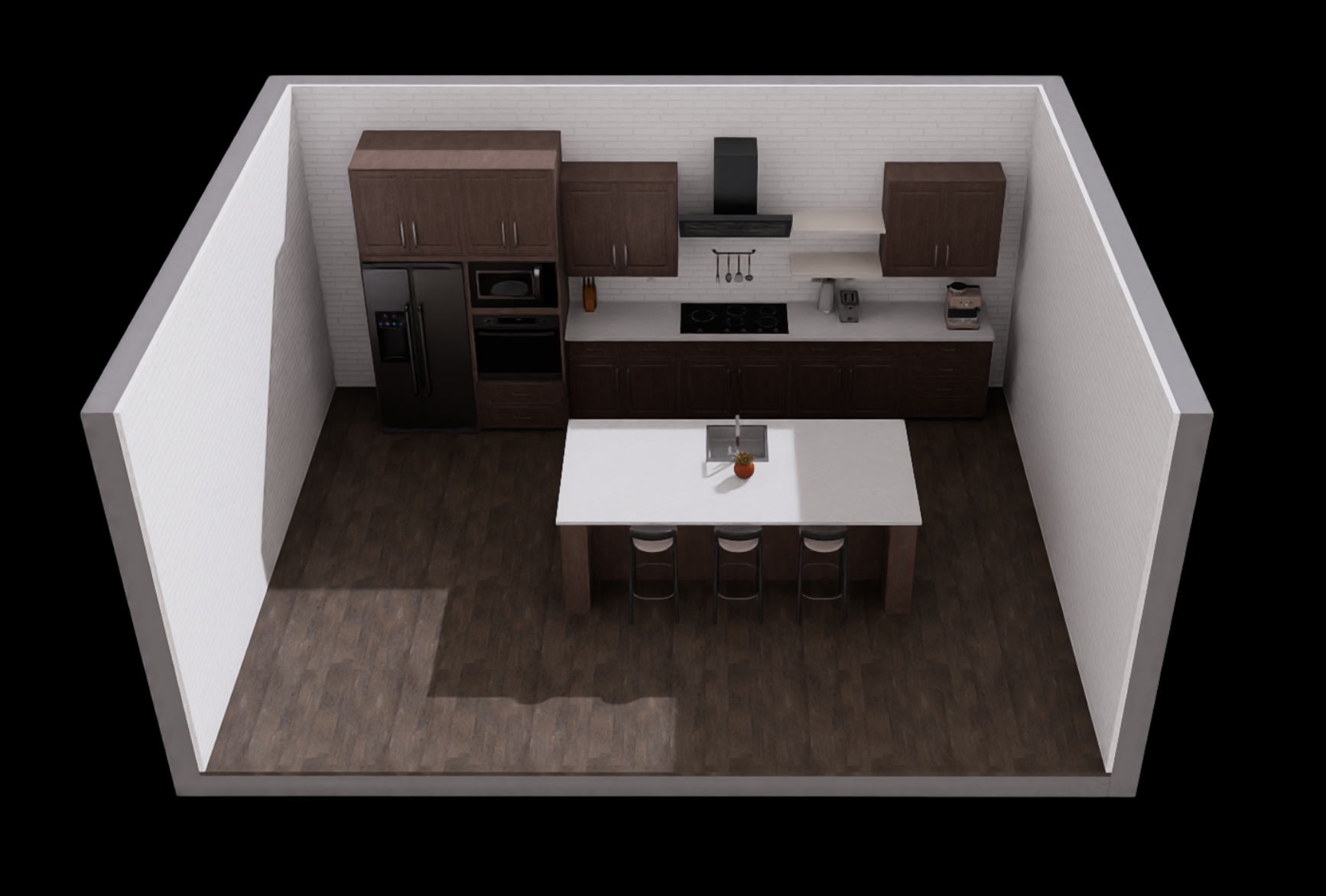 |
| 3 | Industrial |  |
| 4 | Mediterranean | 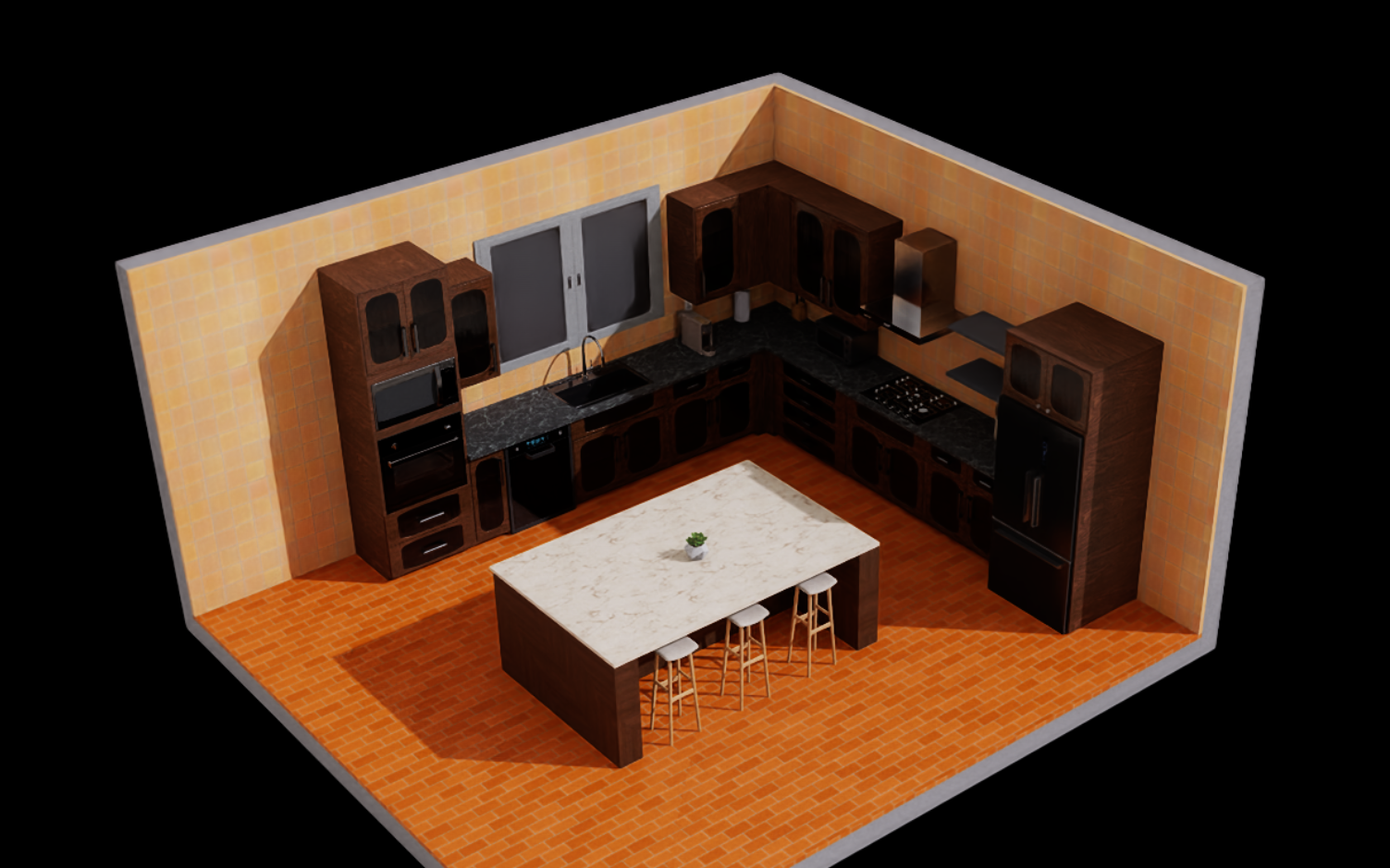 |
| 5 | Modern1 | 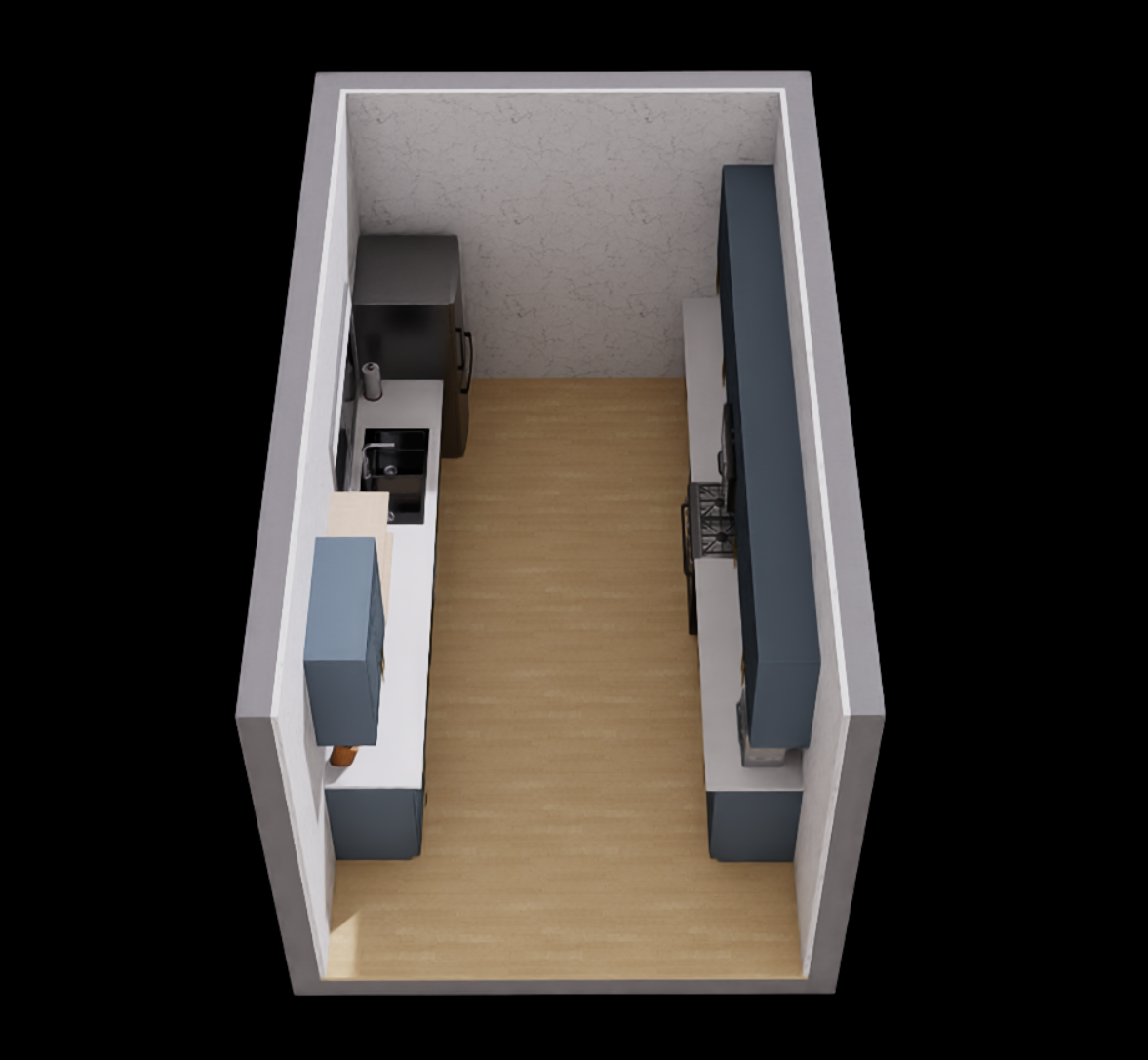 |
| 6 | Modern2 | 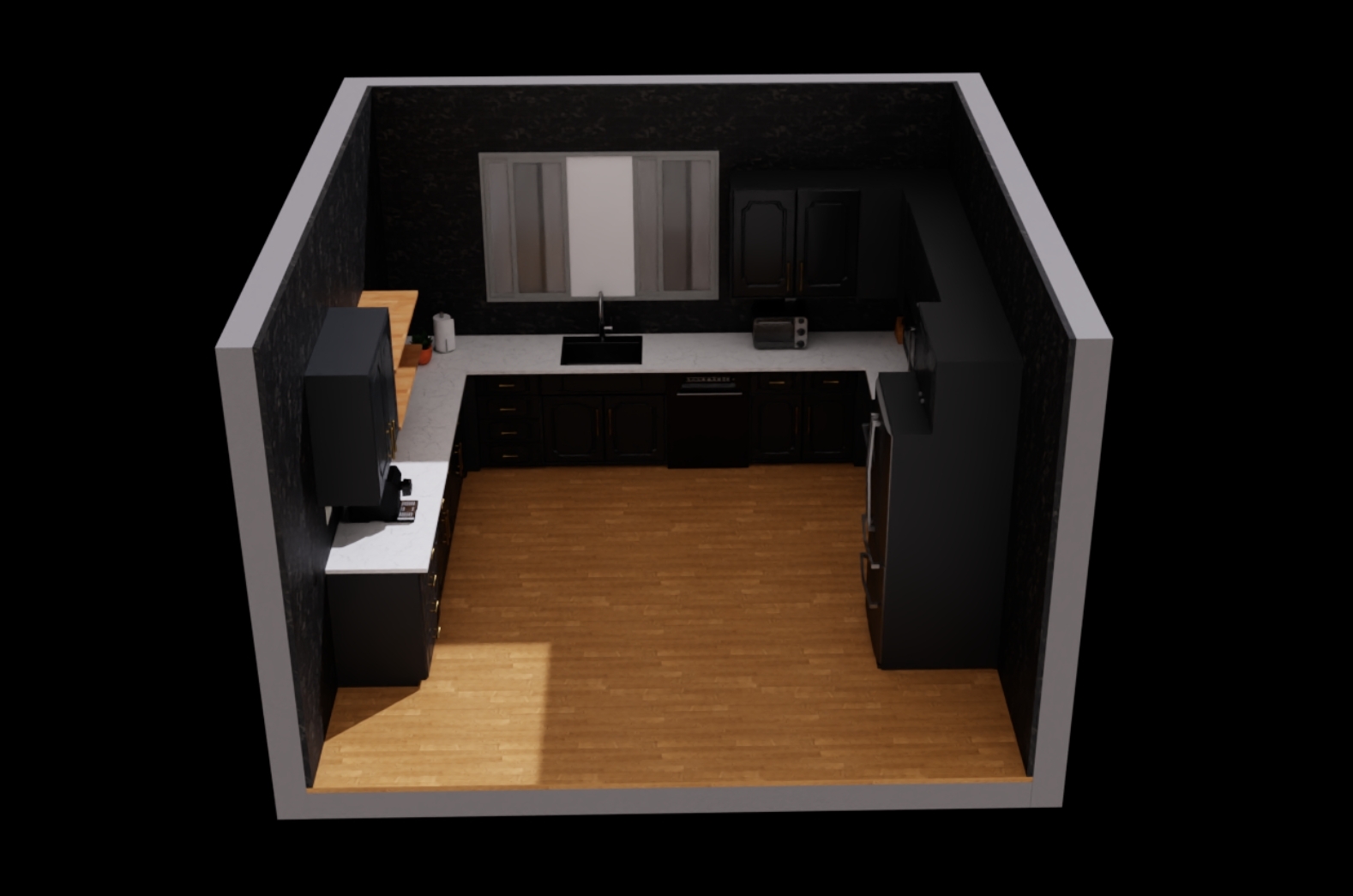 |
| 7 | Rustic | 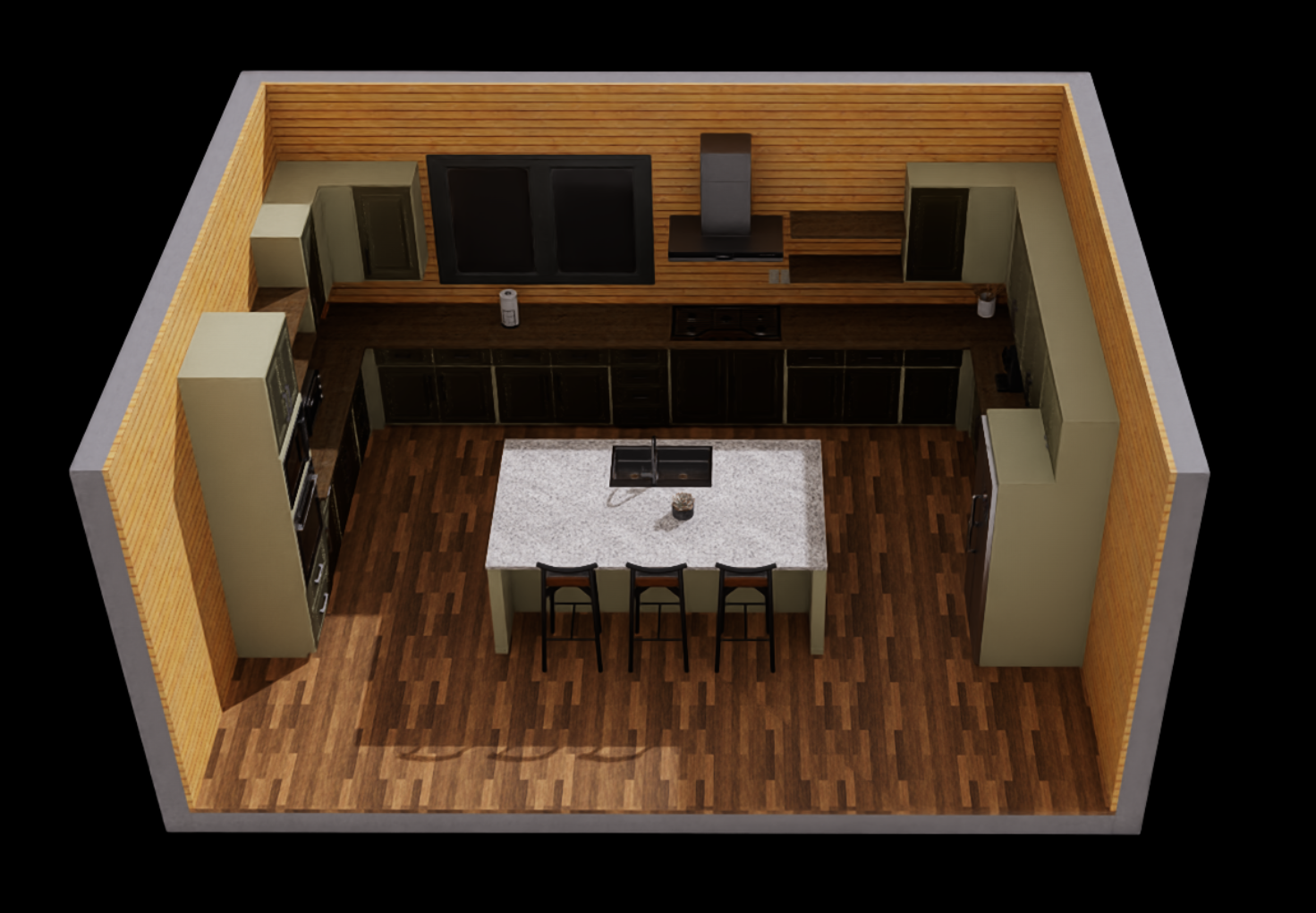 |
| 8 | Scandinavian | 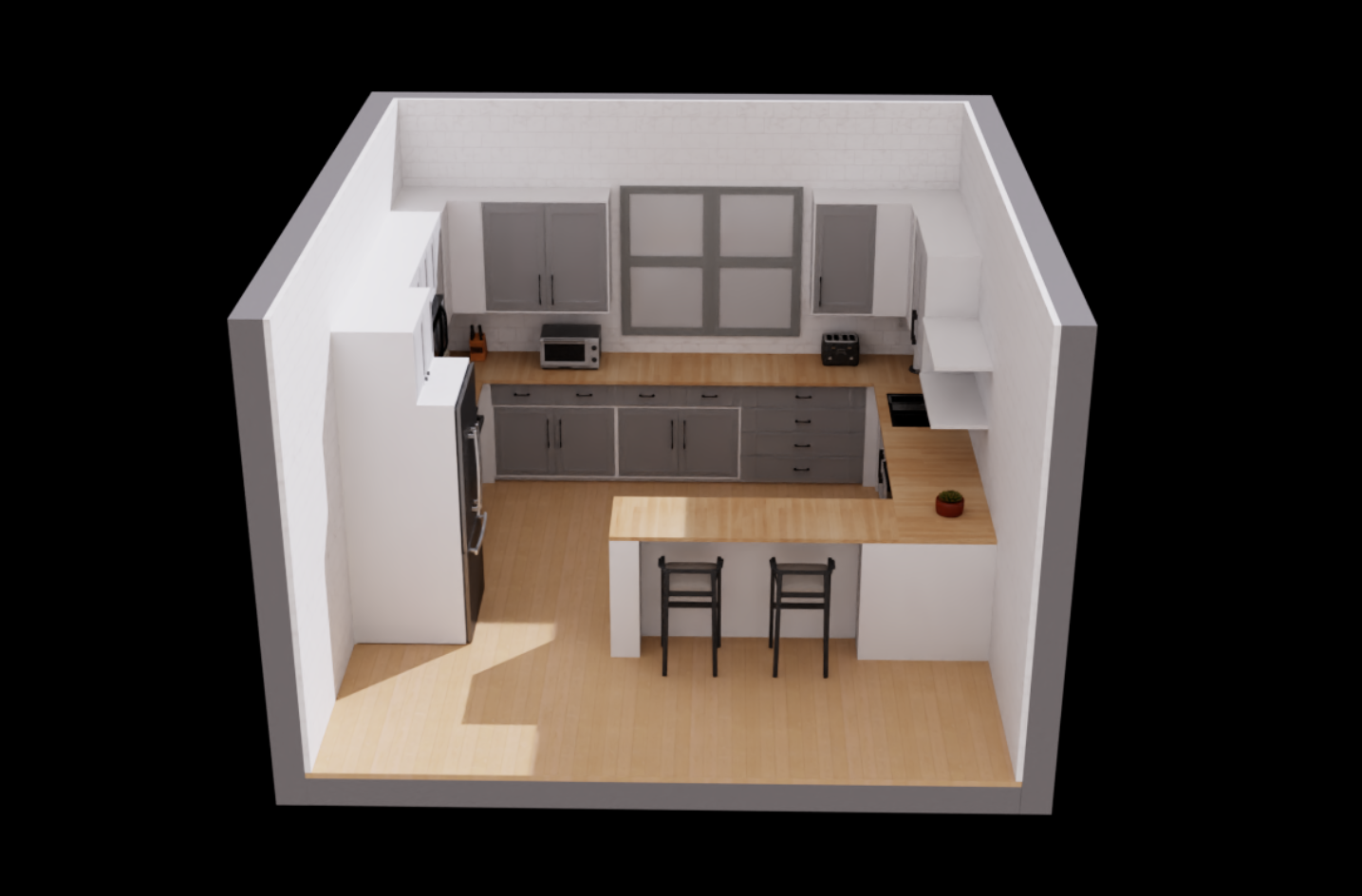 |
| 9 | Traditional | 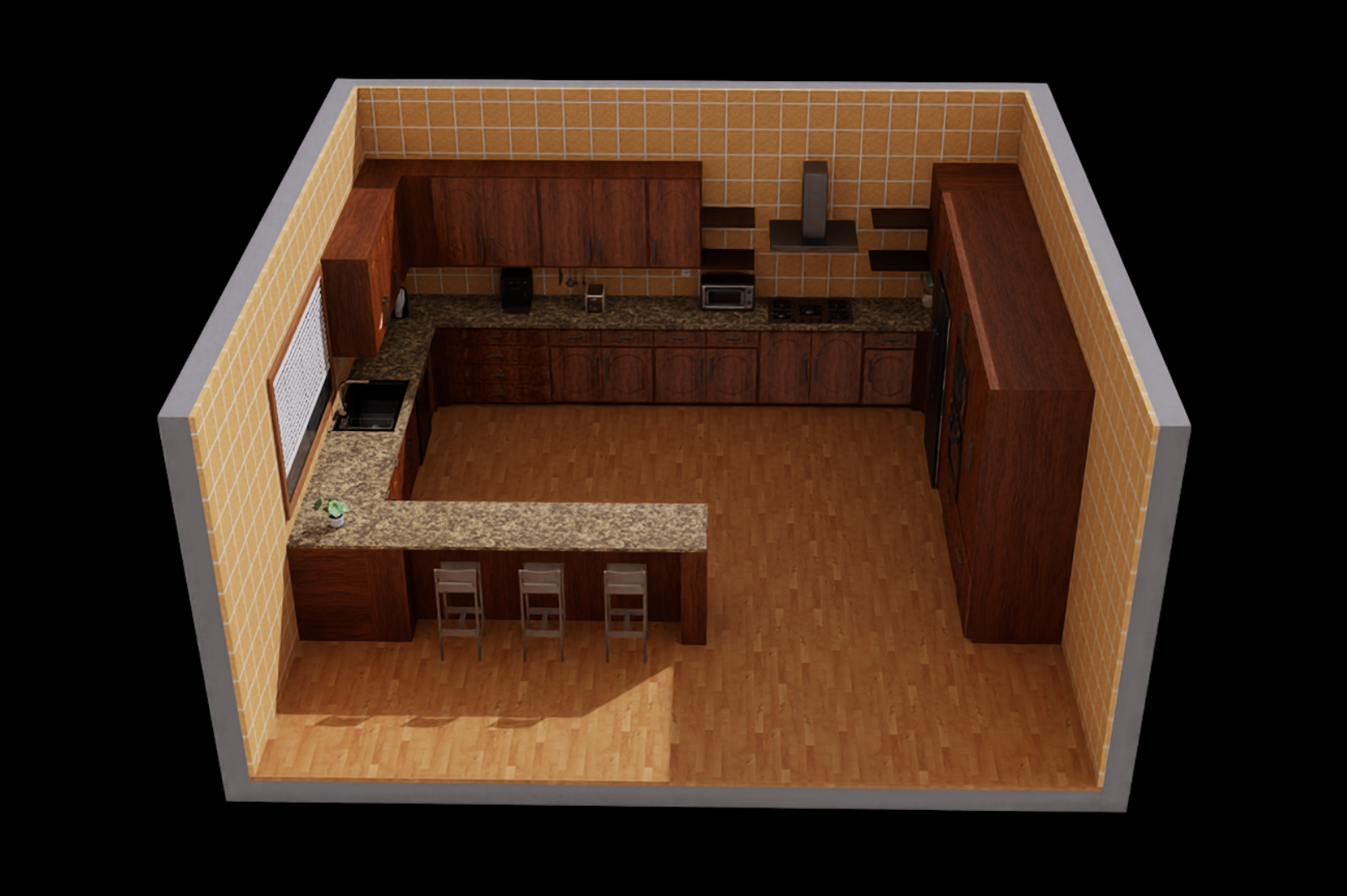 |
| 10 | Farmhouse2 | 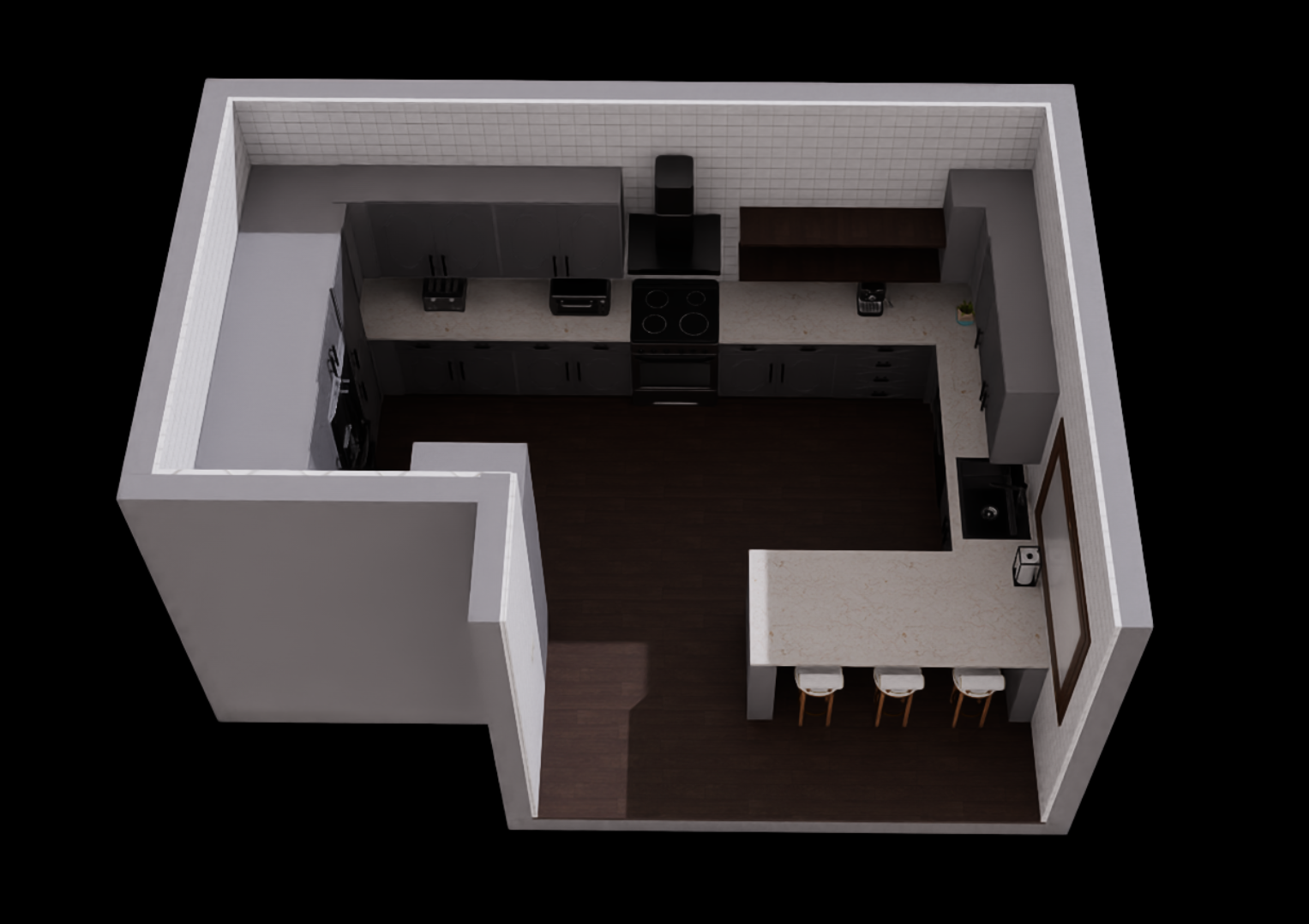 |
Layout and Style System
Kitchen scenes are configured using a two-parameter system:
| Parameter | Type | Description |
|---|---|---|
layout_id | int | Defines the physical arrangement of fixtures and appliances |
style_id | int | Controls visual appearance, materials, and fixture variants |
Scene Naming Convention
# Standard scene naming format
scene_name = f"robocasakitchen-{layout_id}-{style_id}"

# Examples
"robocasakitchen-1-8"   # Layout 1, Style 8
"robocasakitchen-2-5"   # Layout 2, Style 5
Technical Implementation
FloorplanLoader Class
The core scene management is handled by the FloorplanLoader:
from lw_benchhub.core.scenes.loader.floorplan import FloorplanLoader

# Initialize loader with remote server
loader = FloorplanLoader(host="scene_server_host")

# Asynchronous scene acquisition
loader.acquire_usd(layout_id=2, style_id=5)
usd_path = loader.wait_for_result()
Scene Integration
class RobocasaKitchenEnvCfg(BaseSceneEnvCfg):
    scene_name: str = "robocasakitchen-2-5"
    layout_id: int = 2
    style_id: int = 5

    # Enable specific fixtures for tasks
    enable_fixtures: List[str] = ["drawers", "cabinets"]
Fixture Management
Interactive Elements
LW-BenchHub scenes include fully functional kitchen fixtures:
- Drawers: Top, middle, and bottom drawer configurations
- Cabinet doors: Single and double door variants
- Appliances: Oven, dishwasher, microwave, toaster oven
- Small appliances: Electric kettle, coffee machine
- Utilities: Sink, faucet, electrical outlets
Fixture State Management
# Fixtures support dynamic state control
drawer.open_door(env=env, min=0.90, max=1.0)    # 90%-100% open
cab.set_door_state(min=0.0, max=0.0, env=env)   # 100% close
electric_kettle.set_lid(env, lid_val=1.0)       # 100% open
Performance Optimizations
Parallel Environment Support
- Multi-environment scaling: Efficient scene replication for parallel training
- Memory optimization: Shared scene assets across environment instances
- GPU acceleration: Full IsaacLab GPU simulation pipeline support